Manage day-to-day accounting, sales, expenses, bills, inventory, reporting, and financial information from one cloud-based platform. CAS-BIZ Technology helps businesses in Cambodia select, set up, migrate to, learn, and support QuickBooks Online based on their actual accounting and operational requirements.
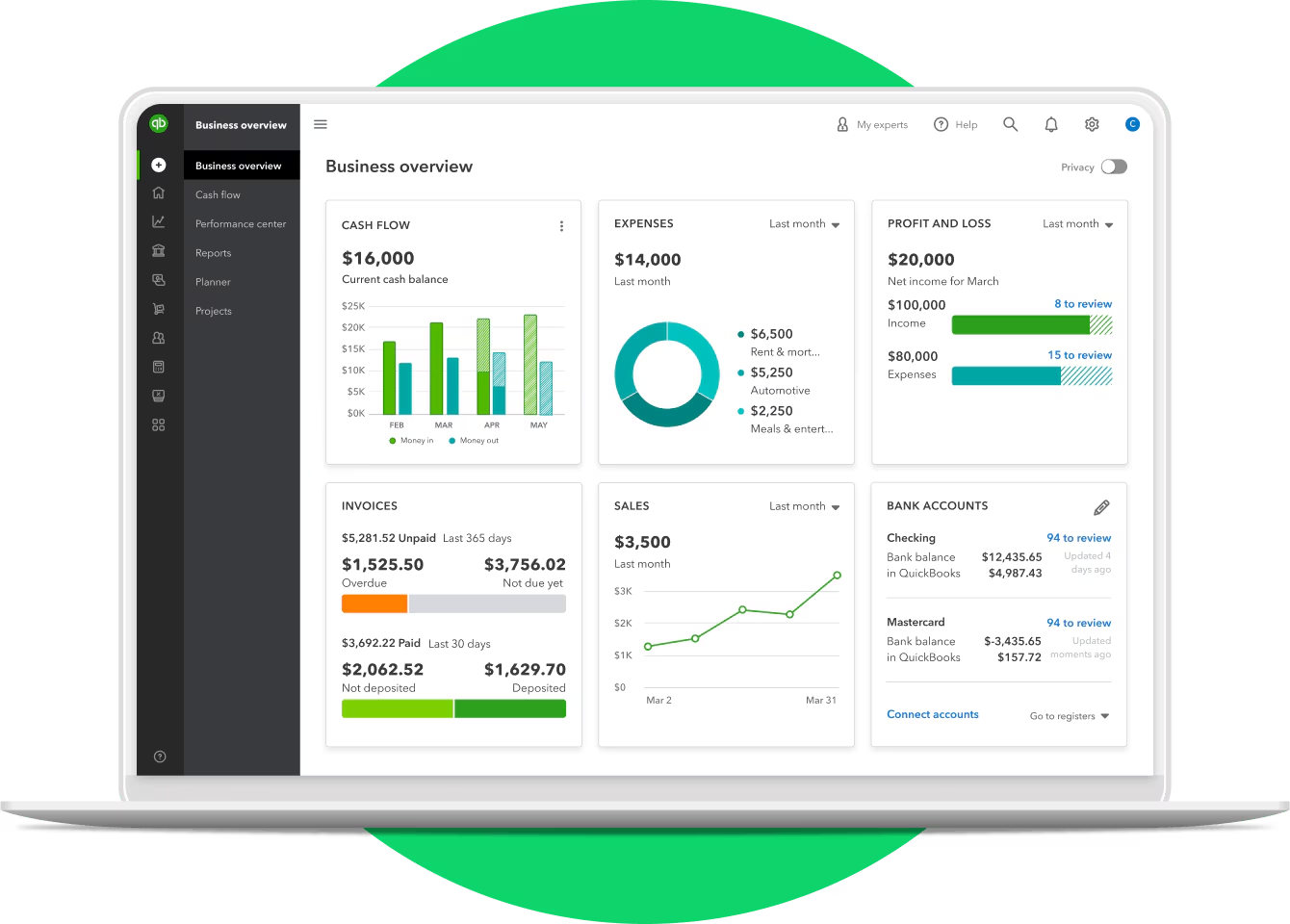
QuickBooks Online brings everyday financial activity into one connected accounting environment so business owners and finance teams can spend less time working across disconnected records and more time understanding the business.
Keep income, expenses, customer activity, supplier obligations, and financial reports organized in one accounting system.
Access QuickBooks Online through a supported web browser and collaborate with approved users without relying on one office computer.
Use invoicing, transaction feeds, recurring workflows, and other available automation features to reduce manual steps.
Use dashboards and financial reports to review performance, cash position, receivables, payables, and other important business information.
QuickBooks Online is cloud-based accounting software designed to help businesses organize financial information and manage everyday accounting activities without maintaining accounting software on an individual office computer.
Authorized users can work with the same company accounting information through a supported web browser or mobile environment. This makes it easier for business owners, finance teams, accountants, and other approved users to collaborate around current accounting records.
Because the system is cloud-based, there is no traditional desktop software installation required for normal QuickBooks Online use. Internet access is required, and feature availability depends on the selected plan and supported device or service.

Move from spreadsheets or fragmented records into a structured accounting system for daily financial management.
Record transactions, manage receivables and payables, reconcile accounts, and prepare financial information from one platform.
Add capabilities such as multi-user access, inventory, budgeting, classes, locations, workflow controls, and more advanced reporting as requirements grow.
Gain clearer visibility into sales, expenses, cash flow, outstanding balances, and overall financial performance without waiting for disconnected reports.
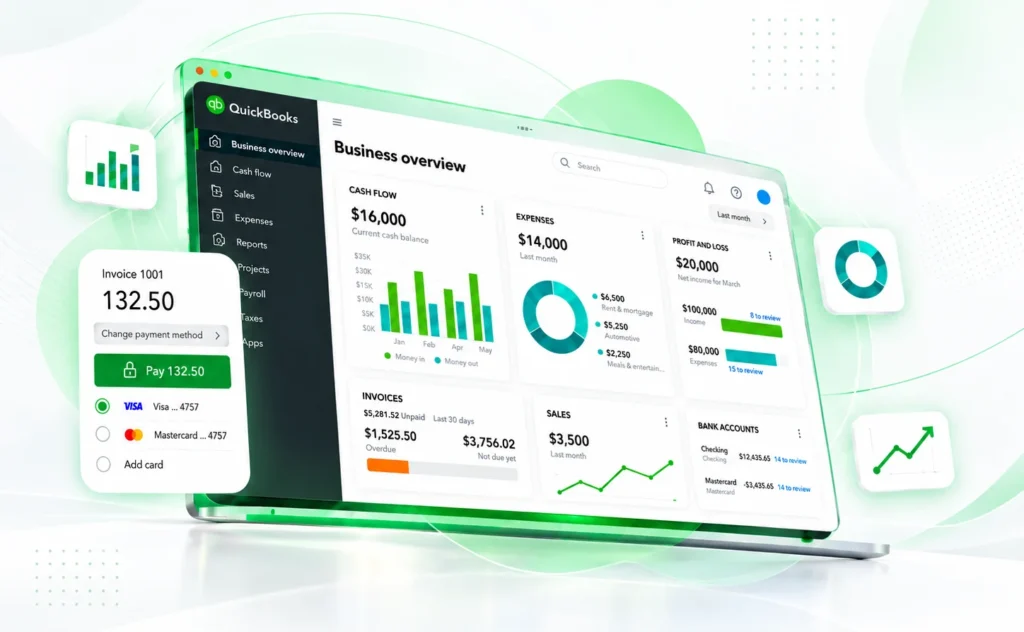
QuickBooks Online combines core accounting, transaction management, reporting, and selected operational tools. The exact capabilities available to your business depend on the plan you choose.
Record and categorize business income and expenses so transactions are organized for review, reconciliation, and reporting.
Create and send professional invoices and quotes, monitor customer balances, and follow the status of amounts still outstanding.
Connect supported bank accounts or work with imported transactions to reduce manual entry and keep account activity easier to review.
On eligible plans, record bills, manage supplier obligations, and maintain clearer visibility over upcoming payments.
Review reports such as Profit & Loss, Balance Sheet, General Ledger, Trial Balance, Statement of Cash Flows, and other available reports for the selected plan.
Set up applicable tax rates and track tax on relevant sales and expense transactions. QuickBooks lists Cambodia among countries with common tax rates available for setup.
On eligible plans, record transactions in multiple currencies and work with foreign-currency customers, suppliers, and exchange-rate values.
On eligible plans, track products, quantities, and inventory-related accounting information to support product-based businesses.
Higher plans can support budgeting and classification features that help management review different parts of the organization.
QuickBooks Online Advanced adds capabilities such as custom role permissions, workflows, custom reporting fields, dashboard customization, online backup/restore, and expanded user capacity.
QuickBooks Online offers different plans for different stages of business. Compare the number of users, accounting requirements, inventory needs, reporting needs, and level of control your team requires to identify the most suitable starting point.
Not sure which plan fits? CAS-BIZ can review your current accounting workflow and help you evaluate the available options before you subscribe or migrate.
Work with your accounting information online through supported access.
Choose according to users, workflows, inventory, reporting, and controls.
Get consultation, implementation, migration, training, and product support in Cambodia.
I mainly need essential bookkeeping and invoicing.
I need multiple users, bills/payables, or multi-currency.
I manage inventory or need budgets and class/location tracking.
I need more users, custom roles, workflows, custom fields, or stronger reporting controls.
Choosing accounting software is only the beginning. The value of the system depends on selecting the right plan, configuring it around the business, preparing accurate data, training users, and having support when questions arise.
Discuss your current accounting process, challenges, users, reporting requirements, inventory needs, and future plans before selecting the solution.
Configure company information, chart of accounts, users, products/services, opening information, and relevant accounting settings around the agreed workflow.
Plan the transition of appropriate accounting and business data from the previous system, with migration scope based on source data, quality, and agreed requirements.
Help finance, accounting, and approved business users understand the system and perform their day-to-day work more confidently.
Provide local assistance when customers need help with supported QuickBooks usage or technical issues.
Where required, evaluate FaceAzure and other approved CAS-BIZ services that support local business or compliance workflows.
Discuss current workflows, accounting requirements, users, data, challenges, and goals.
Identify an appropriate QuickBooks Online plan, setup approach, and any relevant supporting services.
Configure the company environment, support agreed data migration, test key workflows, and prepare the solution for use.
Prepare users through training and provide ongoing assistance after implementation.
Yes. QuickBooks Online is accessed through the cloud rather than being installed as traditional desktop accounting software. Internet access is required.
No traditional desktop installation is required for normal use. Authorized users sign in through a supported web browser, and supported mobile access is available for selected functions.
QuickBooks Online allows accountant access so an approved accountant can work with reports and accounting information using their own login.
Yes, multi-currency is available on eligible plans. The current Cambodia plan structure includes multi-currency from Essentials upward.
QuickBooks Online supports VAT/GST tracking and Intuit lists Cambodia among countries with common tax rates available for setup. Your business should still validate the tax setup and reporting process against its actual Cambodia requirements.
These Cambodia-specific workflows should not be assumed to be native QuickBooks Online features. CAS-BIZ can assess whether FaceAzure or another approved workflow is required.
CAS-BIZ provides data migration support. The migration method and scope depend on the source system, data quality, historical detail required, and the agreed implementation plan.
The best plan depends on your users, bills/payables, multi-currency needs, inventory, budgets, reporting, controls, and automation requirements. CAS-BIZ can help you evaluate the available options.
+855 63 965 359 | +855 23 982 324
+855 63 965 359
+855 23 982 324
Message Us
Info@casbiz.com.kh

Cloud accounting for business in Cambodia, with local setup, training and support.
Cloud accounting for business in Cambodia, with local setup, training and support.
Support structured accounting and business management for organizations that need practical financial and operational control.
Extend accounting workflows with Cambodia-focused functionality for tax documentation, Khmer forms, payroll, e-invoicing, and related local business processes.






Understand business requirements and identify an appropriate solution and approach.
Configure and deploy the selected system around business processes.
Support the transition of important business and accounting data.
Provide local assistance when customers need product or technical help.
Provide local assistance when customers need product or technical help.
Support secure and flexible access to selected business applications.