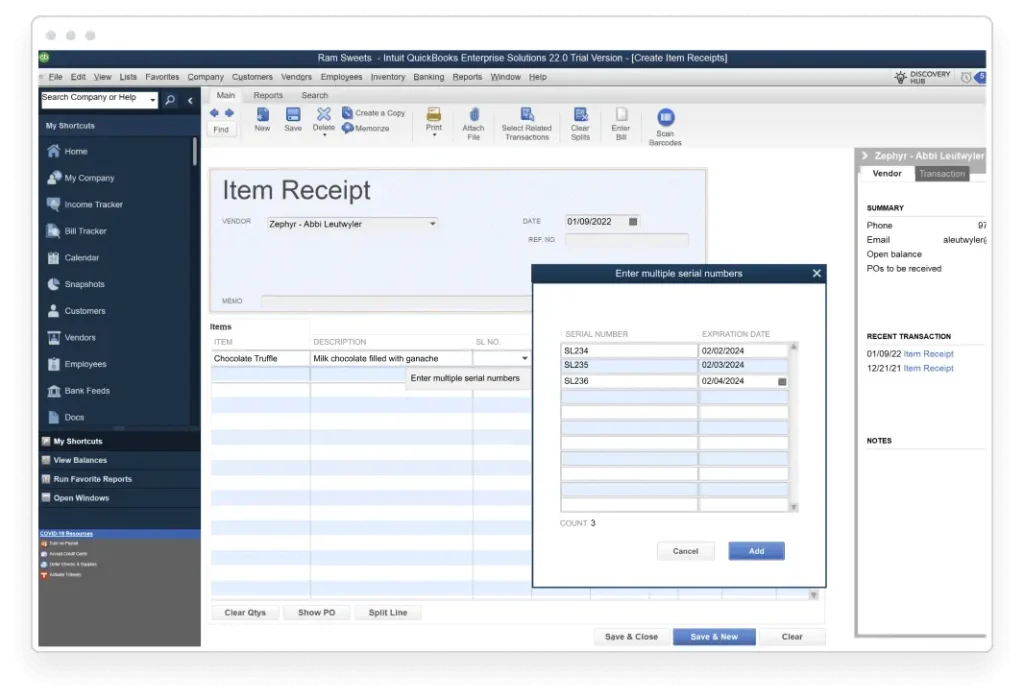
Assign expiration dates to sell inventory more quickly and reduce business losses.
Help reduce liability by conveying expiration dates in customer communications.
Take timely actions with reports on expired or about-to-expire inventory by lot or serial number.
Only available in QuickBooks Enterprise Platinum and Diamond
Automated inventory forecasting
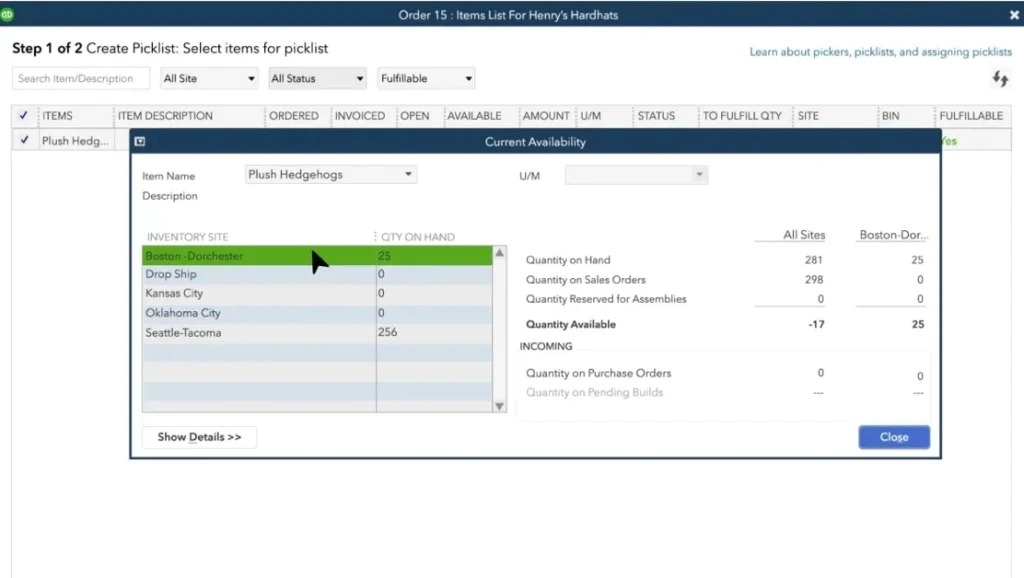
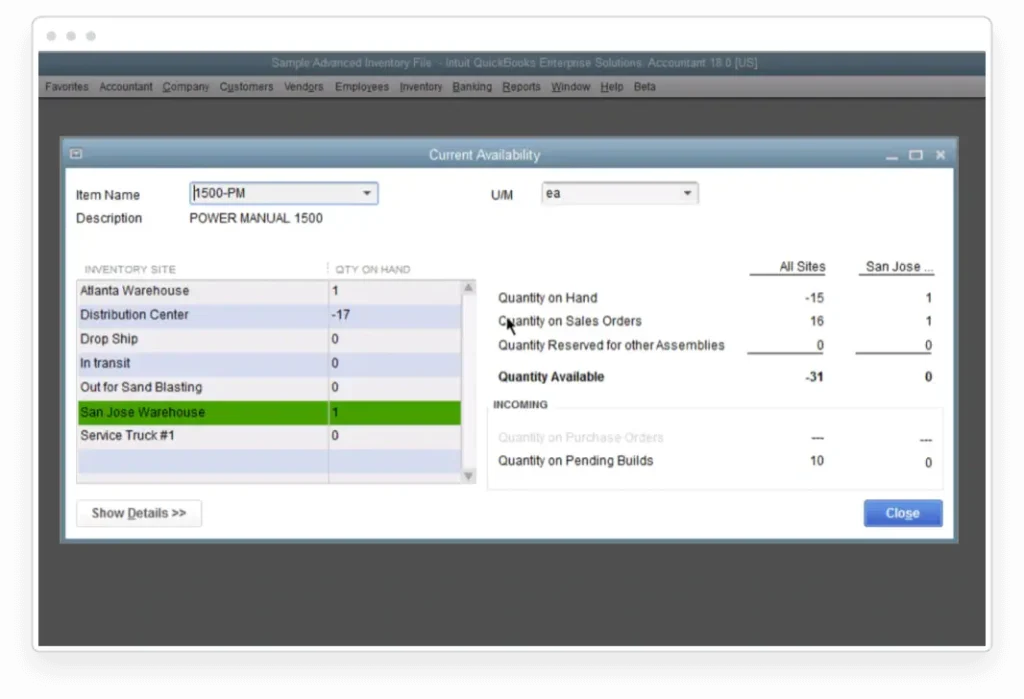
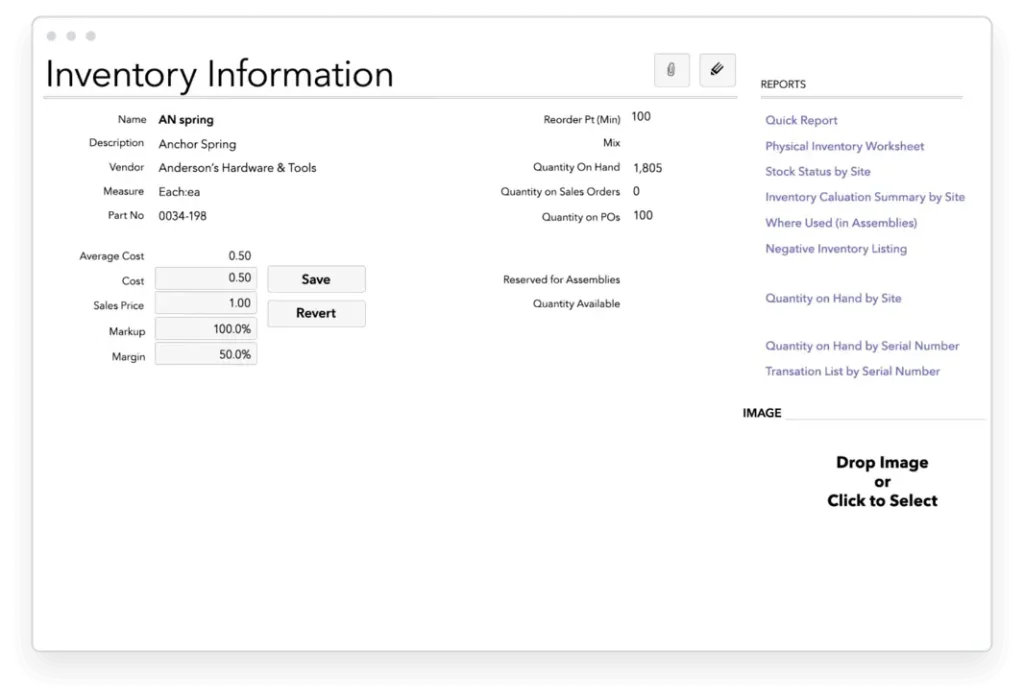
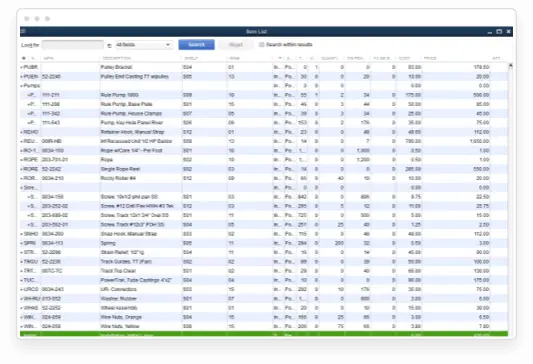
For each location, see how many items are on hand, on sales order, on a purchase order, and your reorder point.
Automatically calculate which items need to be restocked and generate necessary purchase orders with one click.
Avoid rush shipping fees by ordering the right amount of inventory, and minimize stock-outs or missing parts with automated inventory ordering rules.
Closely track material costs and COGS to set prices that keep the margins you need.
Serial number tracking
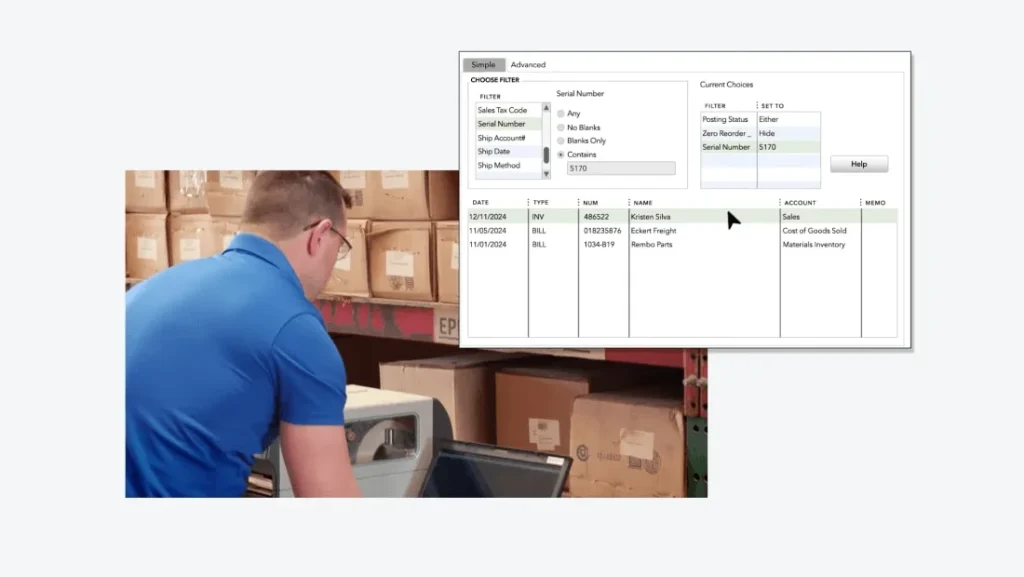
Apply serial numbers* to individual items to easily manage inventory, stock, and warranty claims.
Track individual items within a large batch production of otherwise identical units.
Identify irregularities or defects in a production batch.
Conduct serial number searches to match specific customers to purchased products, check stock for items, and more.
Lot number tracking
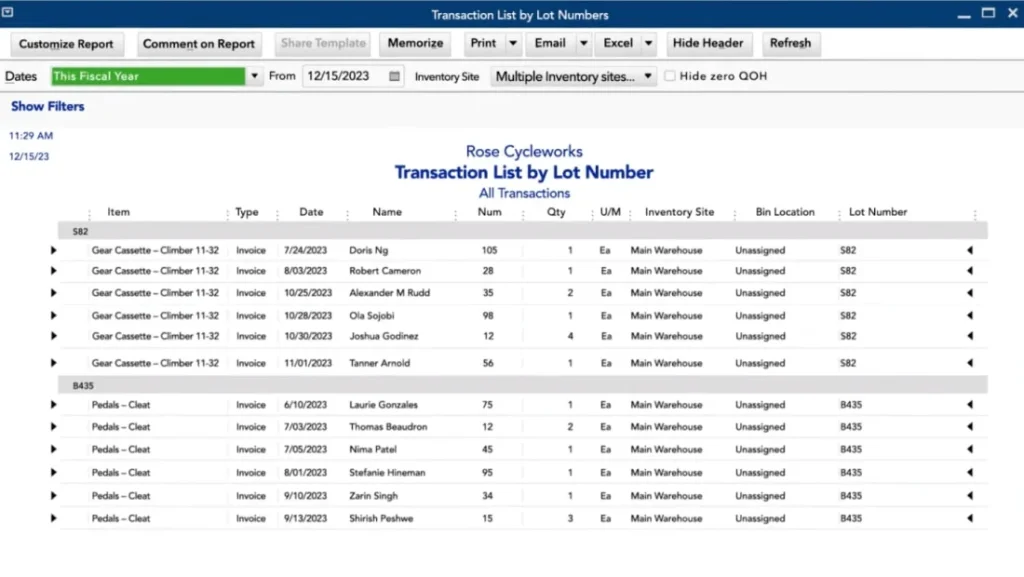
Track products developed or processed in the same batch with lot number tracking.*
If defects occur from a specific production batch, recall items from that lot, rather than all items.
Perform lot number searches to tracking items from a specific lot.
Enter lot numbers during purchases, transfers, or sales, so you can track defective lots through assemblies, and see if an item is in stock, on a shelf, or already purchased by a customer.
Update inventory in real time with cycle count
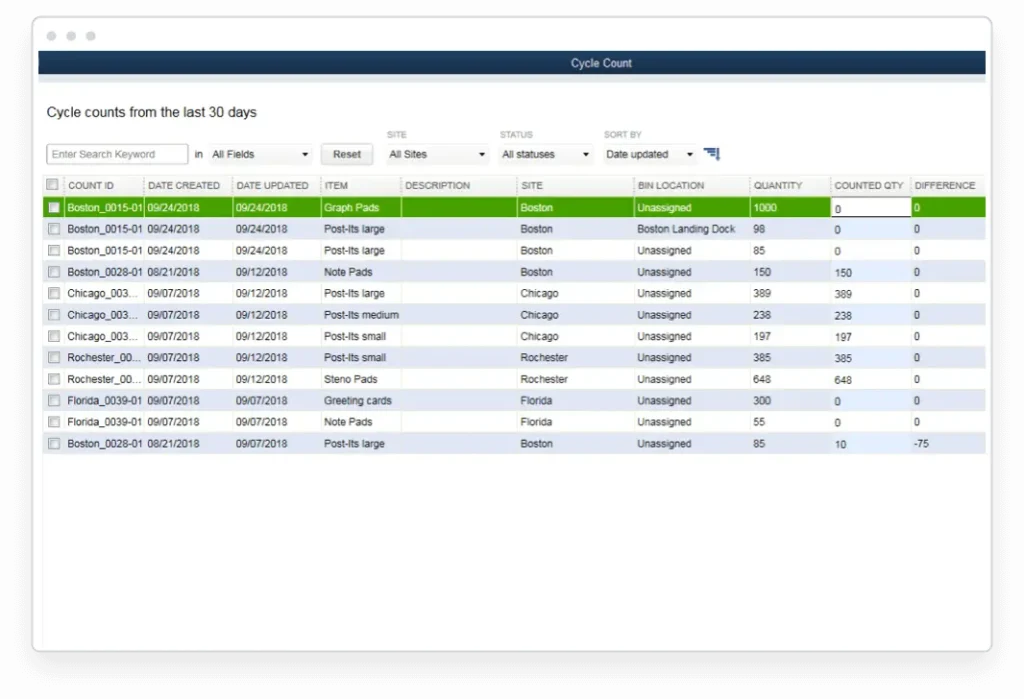
Cycle count* allows you to take inventory without shutting down your warehouse.
Scan and automatically upload inventory counts from different warehouse to a central inventory dashboard.
Easily find and adjust discrepancies and import or export inventory counts.
Consolidate vendor information
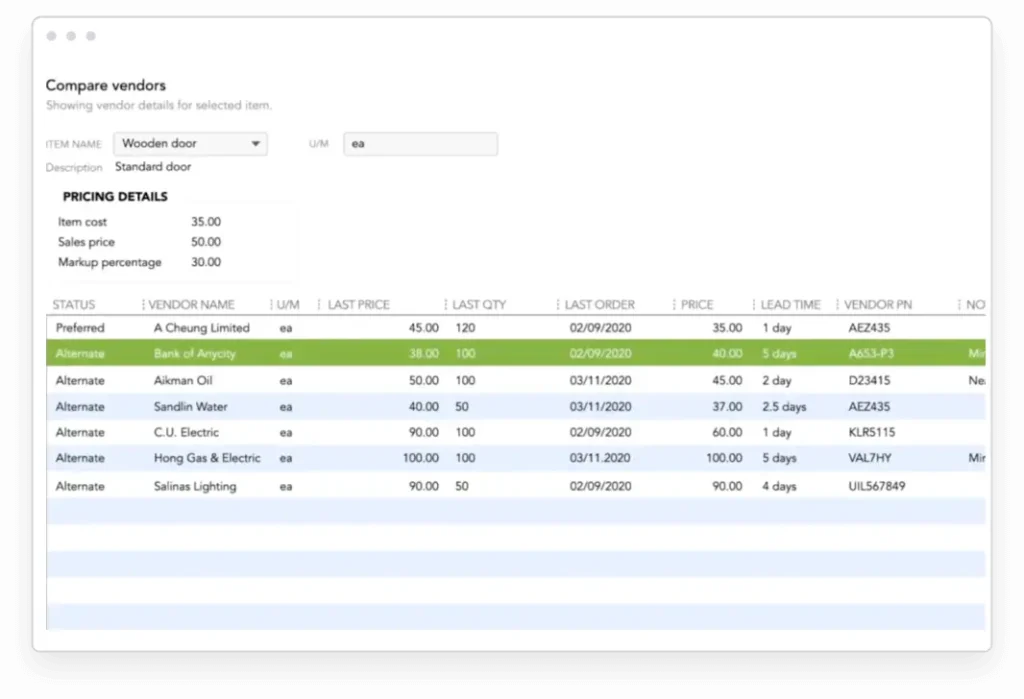
With the Alternate Vendors Center,* aggregate all of your vendors in one central place including contacts and pricing data–making it easier to find vendor information for the right sourcing decisions.
Track delivery times and shortages by vendor.
List alternate vendors in key inventory reports so you their information at your fingertips when you need it.
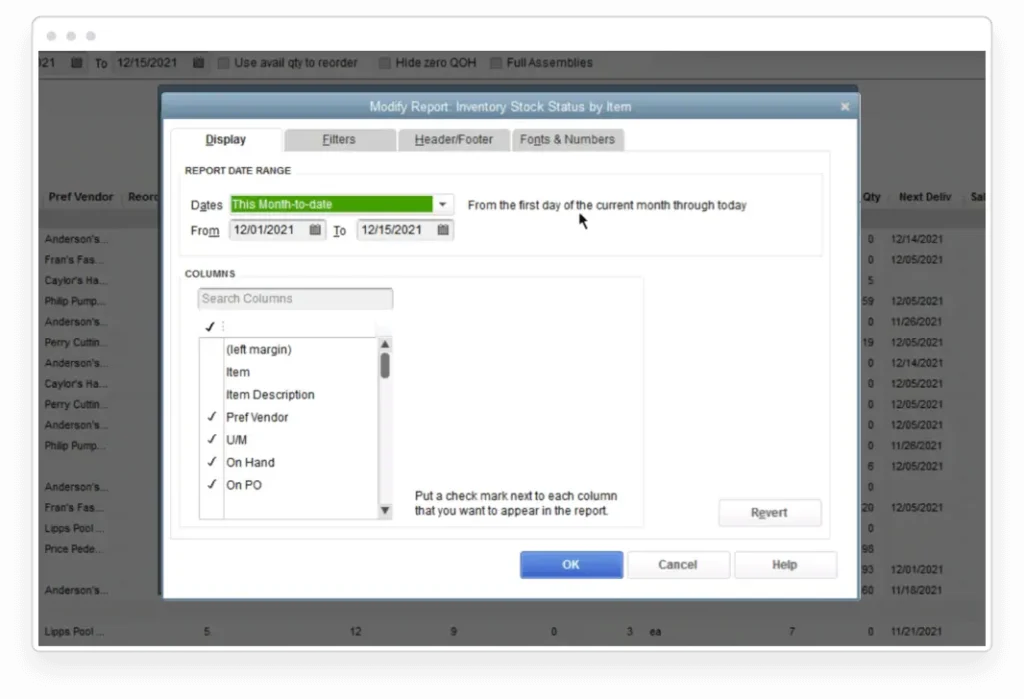
Customizable inventory reports
Add flexibility and gain insight into your business with customizable inventory reports.
Example inventory reports: inventory valuation summary, inventory stock by item, and assembly shortage by item.
Additional fields allow you to better track your inventory.
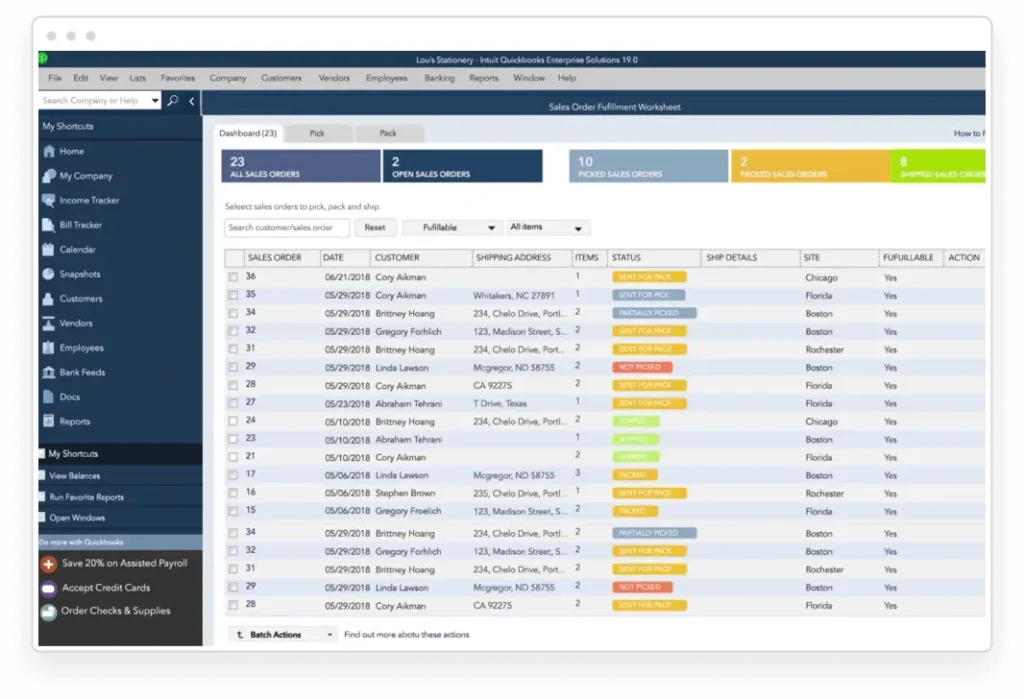
Automate order management
Manage the entire sales order fulfillment process from a single dashboard.
Prioritize which orders to fulfill first based on the value of each customer to your business.
Set realistic expectations with line-of-sight into available stock, upcoming delivery dates, and the status of each order.
Reduce errors and shipping delays with automated order management processes.
Increase efficiency with mobile barcode scanners
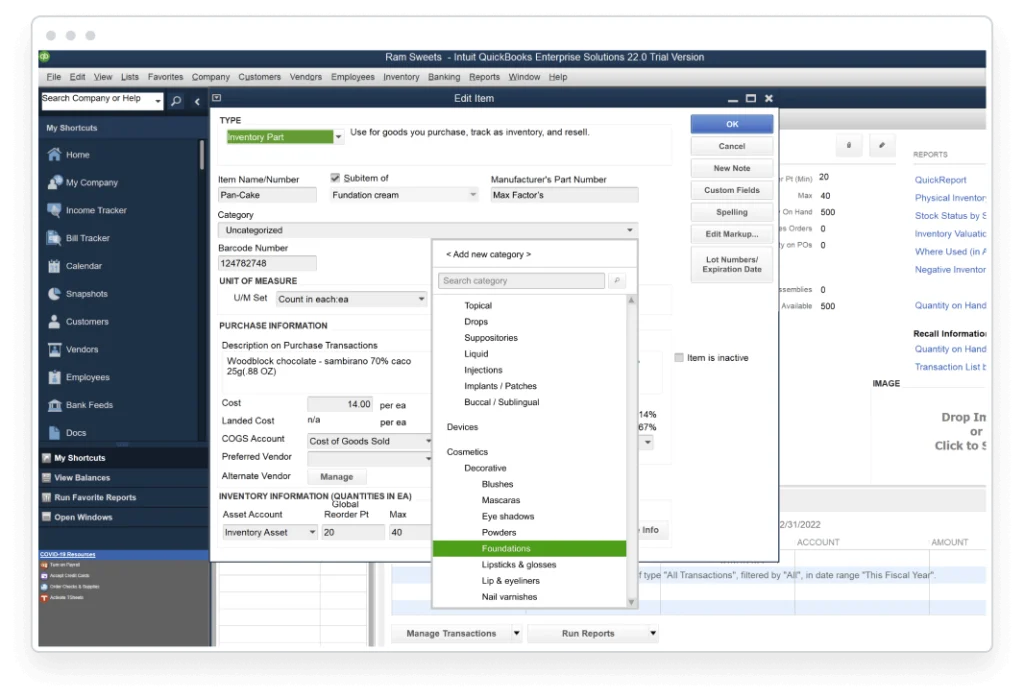
Instead of using custom fields to organize your items, now you can use up to four levels of inventory categorization.
Nested levels of categorization give you more granularity for how you organize your inventory and more control over what you can do with it.
Make better decisions when you can report on inventory items using the new categorization.
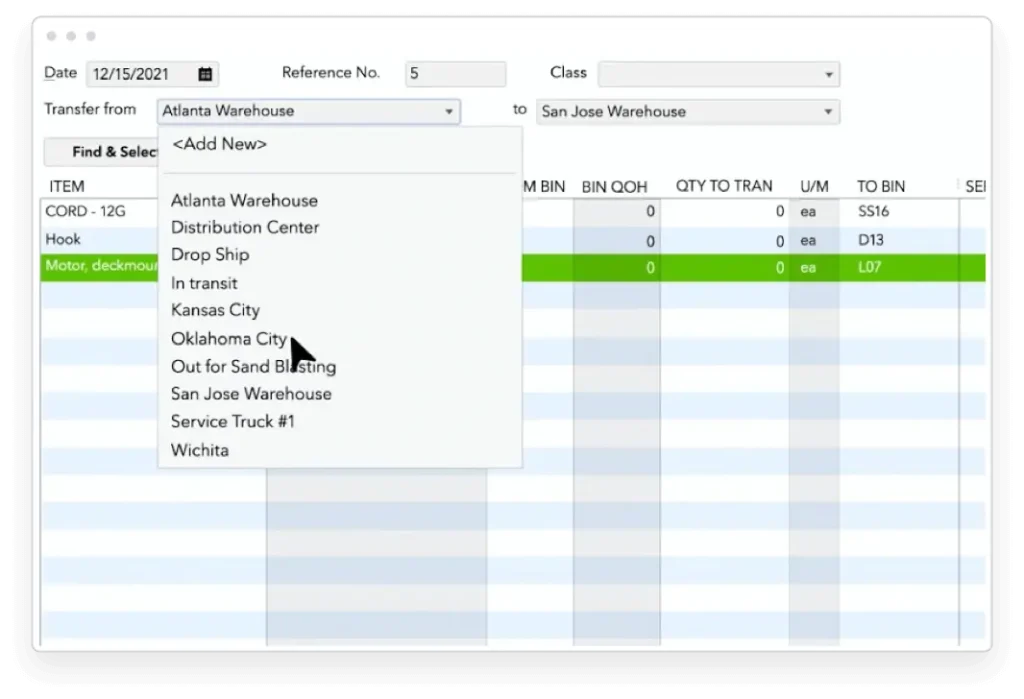
Fulfill orders from multiple warehouses
See which warehouse is the best to fulfill from or split an order between locations to fulfill it more quickly.
Drop ship and set up your trucks as warehouses with mobile inventory barcode scanning.
Inventory is automatically updated in QuickBooks, so you know where you stand.
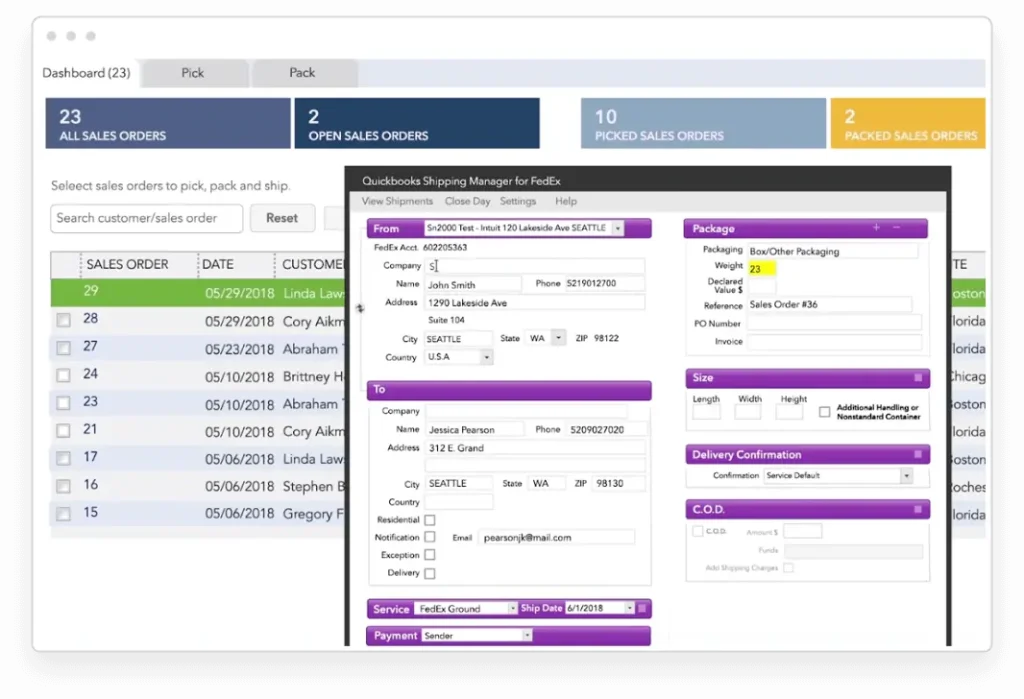
Manage shipping right from QuickBooks
Process shipments, print labels from UPS, FedEx, and USPS, schedule pickups–all with pre-filled customer information in the Shipping Manager.
Automatic shipping discounts are available with prescribed carriers.
Mobile barcode scanning
With the QuickBooks Desktop Mobile App, your team’s Android devices become mobile barcode scanners.*
Automate receiving, accelerate your picking process, and reduce data entry errors.
Send orders to workers on the floor, scan inventory, and transfer data wirelessly.
Print barcode labels with sales prices* to give your customers and employees the pricing information they need.
Reduce inventory errors
Reduce inventory errors that can lead to lost profits, like incorrect unit counts.
Catch mismatched SKUs and minimize human errors.
Use pre-existing barcodes or generate new ones.
Automate more of your business
Eliminate manual inventory counts by integrating barcode scanning into your pick, pack, and ship* process.
Combine picking and packing to meet your business needs.
Increase accuracy across the board–automatically.
Get real-time inventory data across your business
Stay ahead of the sales cycle to maximize your profits and keep up with order fulfillment
With real-time inventory data from mobile barcode scanners, use reliable and accurate data to make better business decisions.
Bill of Materials cost tracking
Use Bill of Materials cost tracking to help you to set prices to reflect true costs.
See how the cost of labor impacts the cost of goods sold (COGS).
Get line of sight into profitability for produced, assembled, or manufactured items.
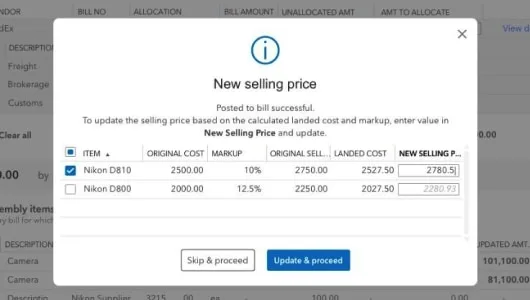
Identify true product costs with landed cost*
Factor in freight, duties, insurance and other miscellaneous expenses to calculate a more accurate cost for your products.
Gain flexibility by setting up landed cost accounts as COGS or “other current assets.”
Calculate landed cost for old bill items from closed accounting periods.
Use FIFO or average costing
Work in FIFO (first in, first out) costing in addition to average costing for tracking inventory.
Switch between costing methods at any time.
Select your QuickBooks Online version to get started.
Support structured accounting and business management for organizations that need practical financial and operational control.
FaceAzure
Extend accounting workflows with Cambodia-focused functionality for tax documentation, Khmer forms, payroll, e-invoicing, and related local business processes.
Other Solutions
Services
Consultation
Understand business requirements and identify an appropriate solution and approach.
Implementation
Configure and deploy the selected system around business processes.
Data Migration
Support the transition of important business and accounting data.
Training
Provide local assistance when customers need product or technical help.
Technical & Product Support
Provide local assistance when customers need product or technical help.
Cloud Hosting
Support secure and flexible access to selected business applications.